EU data centre · engineers in Jelenia Góra Provisioned within 24 h on working days · hello@thebillboys.pl
The Bill BoysInfrastructure
Migration

Moving an existing site or server across.

Migration help is part of every plan on this site. A person does the work rather than an importer script, and there is no separate fee: what the move costs is already inside the price of the plan. This page describes how one actually runs, what we need from you before it can start, and what downtime honestly looks like.

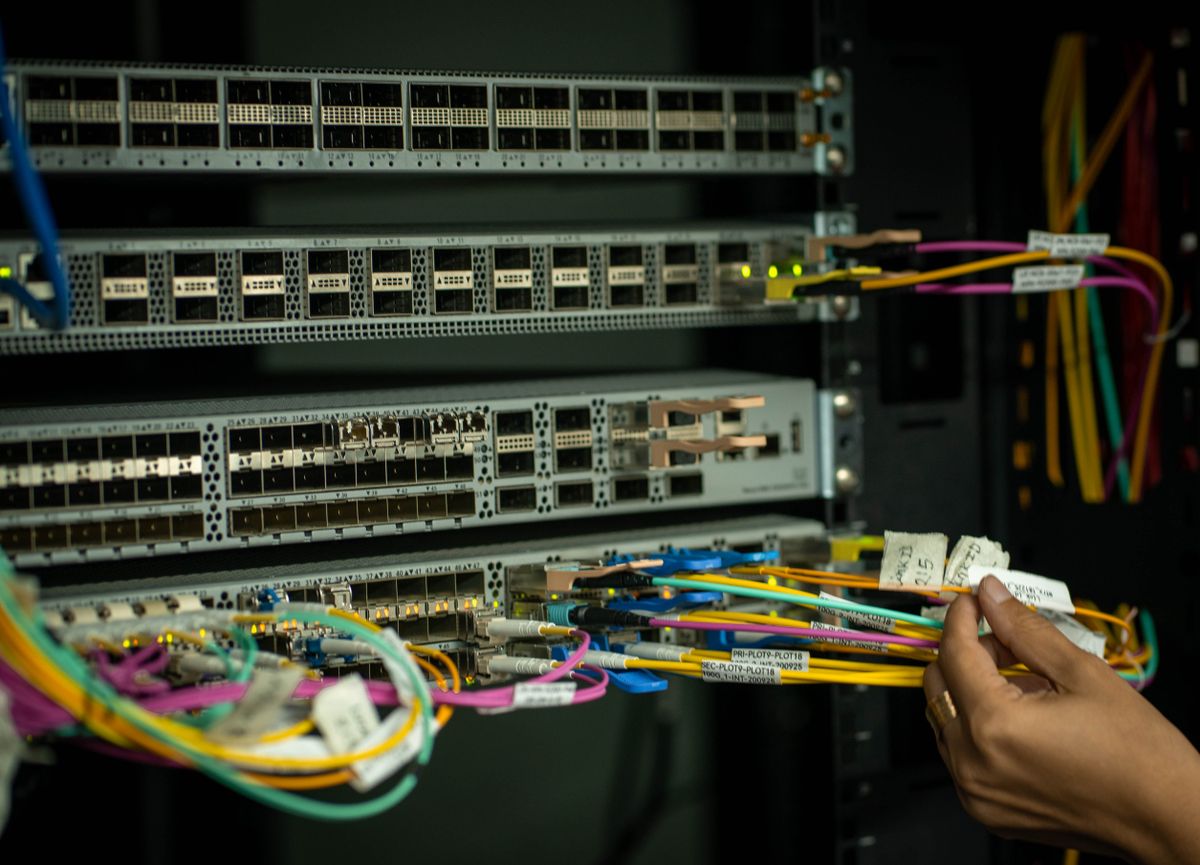
Hand labelling patch cables plugged into a network switch
Cutover, done by hand
€0No separate migration fee. It is inside the plan price you already paid.
8Plans in the catalogue, every one of them with migration help of some form
5Steps, from the first inventory to the end of the watch period
7 daysThe old environment stays reachable afterwards, as your rollback
The process

Five steps, in this order, every time

Written down because an improvised move is a move that loses something. You approve each step before the next one starts.

  1. Inventory You send access to the current hosting or server. We list sites, databases, cron jobs, mail, certificates and DNS records, and tell you what will not move as it is. Read-only access is enough to begin, and we say before we need anything stronger. The list comes back to you in writing so you can correct whatever we have misread. The awkward entries on it are usually the same few: an address written into a config file, a runtime version older than anything we run, a licence tied to the machine you are leaving.
  2. Dry run We copy everything to the new environment and give you a preview address. Nothing about the live site changes yet; you click through and test. The preview address is protected and kept out of search engines, so a half-finished copy never turns up in results. Test the parts no script can check for you: logging in, checkout, a form that sends mail, anything that talks to a payment or shipping provider. Whatever you find is corrected in the copy and you look again, as many times as it takes.
  3. Freeze and sync At an agreed time we take a final delta sync of files, databases and mail so nothing written during testing is lost. Because only the changes since the dry run have to move, the freeze is measured against a few days of your data rather than all of it. That is why the moment is agreed in advance and placed in a quiet hour of your week rather than ours. If the sync runs longer than expected you hear it inside the window, and the decision to carry on or to stand down is yours.
  4. DNS cutover We lower the TTL beforehand, switch the records and watch traffic arrive. Certificates are issued in advance, so there is no browser warning. Beforehand means days rather than minutes, because a record with a long time to live has to expire before a change reaches everyone. Through that propagation window the old environment is left running instead of switched off, so a visitor whose resolver has not caught up still reaches a working page. Anything that accepts writes is put into a holding state on the old side first, so nothing new lands on a system that is about to be retired.
  5. Watch and keep The old environment stays reachable for seven days as a rollback. We watch error rates and load for the first working days and tune what needs tuning. Nothing on the old environment is changed or deleted during that week, so a rollback stays a DNS change and not a rebuild. Tuning at this stage usually means caching, worker counts or database settings, because new hardware and a new stack rarely behave exactly like what you left. Whatever we change, we tell you about; nothing is adjusted silently.
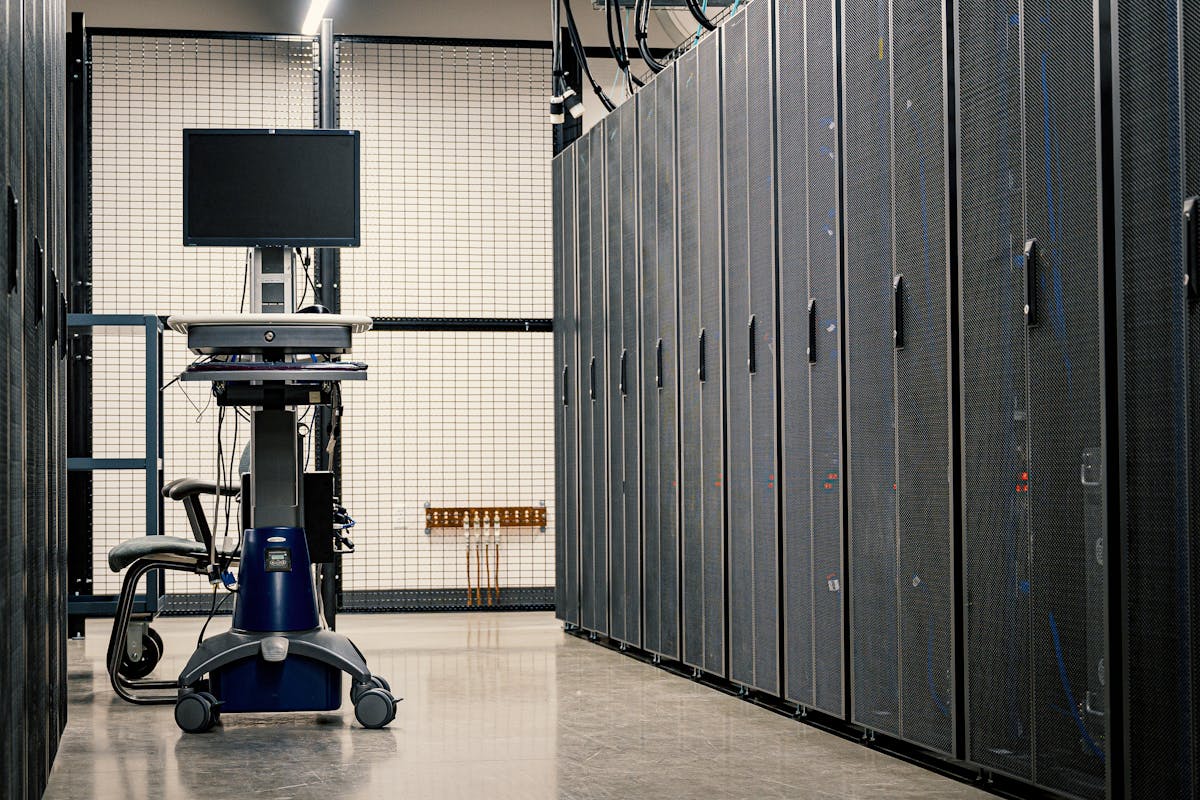
Aisle of server cabinets with a mobile console trolley

One engineer, start to finish

The person who builds your new environment is the person who runs the move and the one who signs the welcome email. There is no handover halfway through to somebody who has to read the notes for the first time on cutover night.

What you sign off

  • The inventory, once you have read it and corrected it.
  • The dry run, after you have clicked through it yourself.
  • The window: the day and the hour, chosen around your business.
  • The cutover itself. Nothing switches until you say the copy is right.
Before we start

What we need from you

Six things. Gathering them takes an afternoon and saves the two conversations that otherwise happen at the worst possible moment.

SSH

Access to what runs today

SSH, SFTP or panel credentials for the current host, or a complete backup archive if the old provider will not hand over access. Read-only is enough for the inventory stage, and we say before we need anything stronger.

DNS

Control of the domain records

Access at the registrar or the DNS provider, or a named person on your side who can change records at an agreed time. If nobody can change a record on the day, the cutover waits for whoever can, so it is worth checking early.

LIST

Every domain and subdomain

All of the hostnames that should end up pointing at the new environment, including the quiet ones: a staging site, a mail host, a shop's API subdomain, an old campaign domain that somebody still links to.

CRON

Scheduled tasks

Cron jobs, queue workers and scheduled scripts, with a line each on what they do and how often they run. They are invisible until the night something that should have run does not, and an invoice or a nightly export goes missing.

MAIL

Whatever handles your mail

Tell us whether mailboxes live on the old host, with a separate provider, or should end up with us. Mail records are separate from website records, and moving one without thinking about the other is how mail quietly stops arriving.

IP

Anything pinned to an address

Partner firewalls, API allow-lists, bank or payment integrations, external monitoring, and licences tied to the current IP. Tell us and we will give you the new address early, so it can be added everywhere before the switch rather than after it.

Downtime

What downtime actually looks like

We do not promise zero downtime, and you should be careful with anyone who promises it for a service holding a database. Two copies cannot both accept writes during a move without somebody having to reconcile them afterwards, so at some point writing stops on one side and starts on the other.

What we do instead is make that moment short and put it where it costs you least. The dry run means the new environment is already built and tested before the window opens. The DNS time to live is lowered days in advance, so resolvers are no longer holding the old address. The final sync carries only the delta since the dry run. The window is agreed with you and placed in a quiet hour of your week.

A static site, a read-only site or a cache layer can usually move with no interruption at all. A shop taking orders, a database-backed application or a mail server has a short freeze, and you will know beforehand roughly how long it should be and what we do if it runs long.

Fibre-optic strands glowing blue and green

What we will not give you is an exact number of seconds before the final sync has run. Until we have measured the delta on your real data, the honest answer is a range, and we would rather hand you the range than a figure we cannot stand behind at three in the morning.

Scope

What we migrate

And, just as usefully, the things that are not ours to move. Read the right-hand column before the window rather than after it.

Open hard disk drive showing the platter and head arm
Files and databases
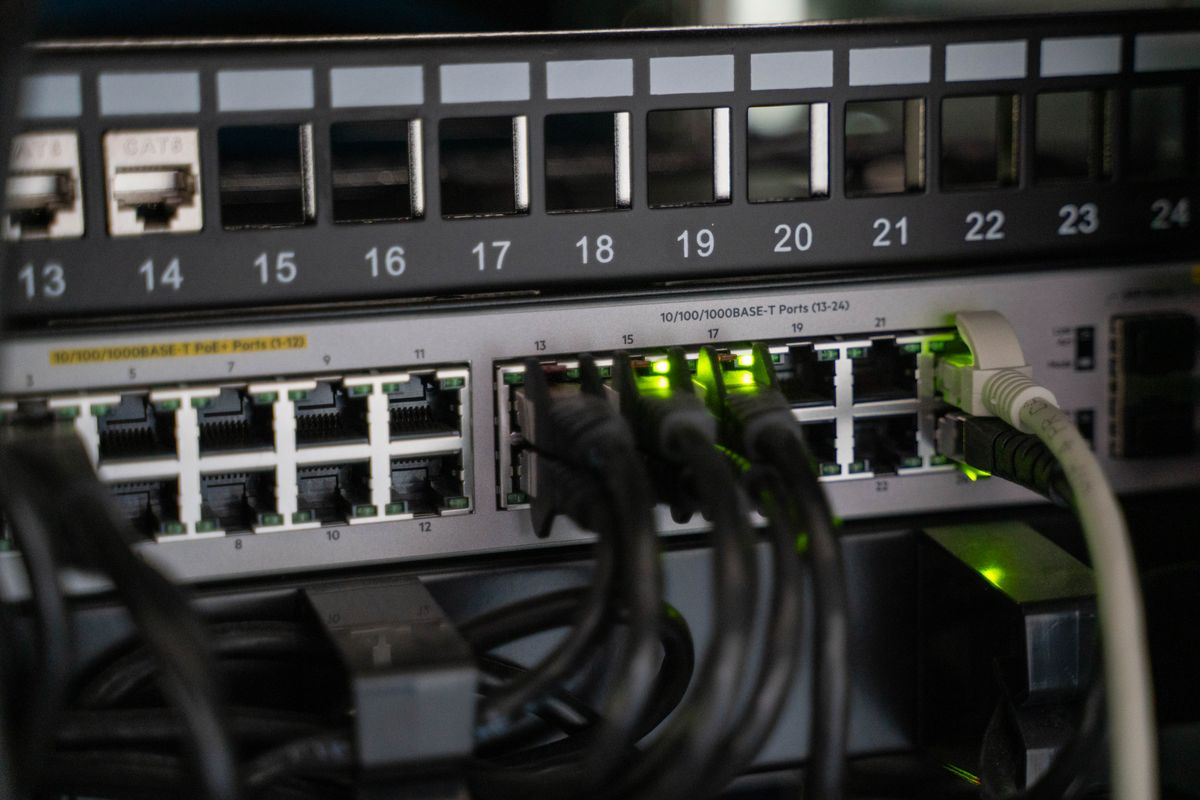
Numbered switch ports with patch cables and green link lights
Records and routing
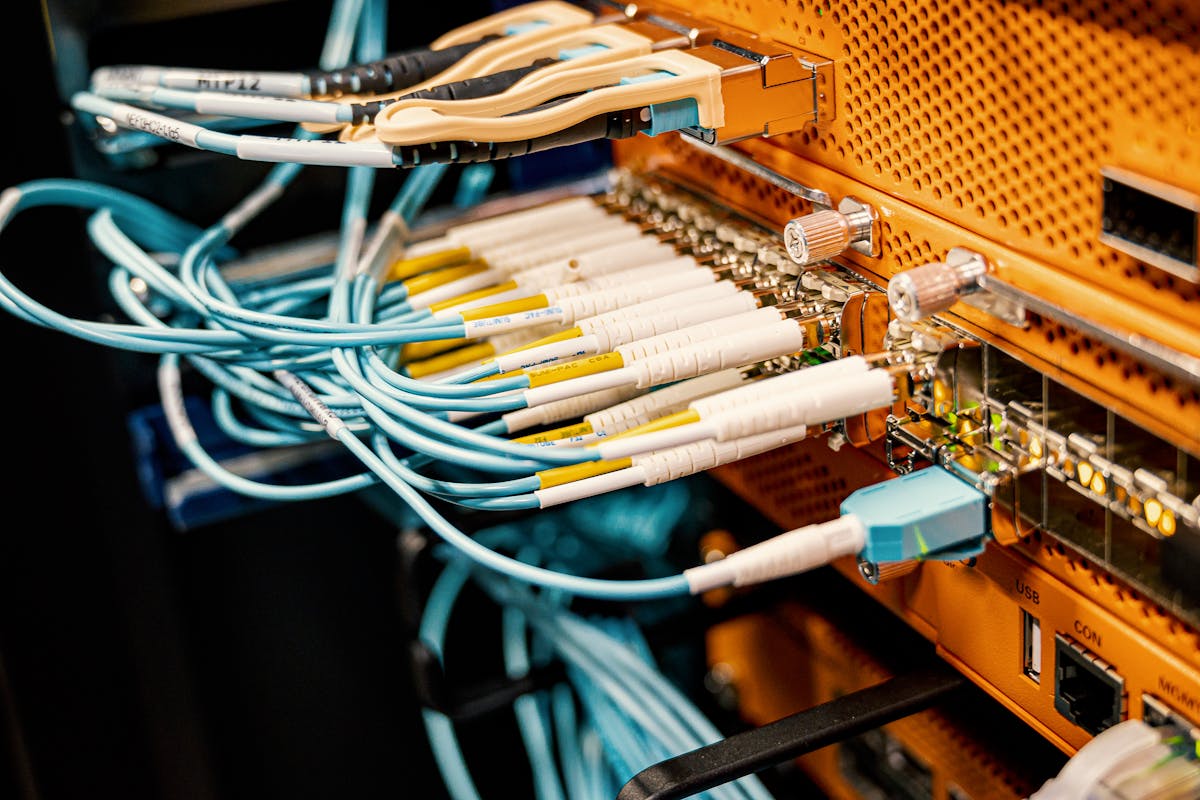
Patch cables plugged into an orange distribution panel
The switch itself
ItemWhat movesWhat to check afterwards
FilesDocument roots, uploads, media libraries and configuration, with permissions and ownership preserved.Upload something new and confirm it lands where the application expects it.
DatabasesMySQL, MariaDB and PostgreSQL, dumped and restored with users, grants and character sets. Application config is repointed at the new host.Log in as an ordinary user and write something, then read it back.
TLS certificatesNew certificates issued for the new environment before cutover. A commercial certificate can be reinstalled if you still hold the key.That every hostname opens without a warning, the www variant included.
Cron and workersCopied with their schedules and paths, and left disabled until cutover so that both sides never run the same job at once.That the first night of scheduled jobs really ran, and produced output.
DNS recordsThe zone is rebuilt: A and AAAA, MX, CNAME, service records, and TXT including SPF and DKIM.Mail delivery, and anything external that verifies a TXT record.
MailboxesWhere mail lives on the old host, mailboxes and their contents are copied over IMAP with the folder structure intact.That old mail is present, and that a test message arrives in both directions.

What we do not touch

  • Licences tied to the old IP or machine: control panels, commercial plugins, some monitoring agents. Reissuing one is between you and the vendor. We give you the new address early so you can do it in advance.
  • Third-party services you repoint yourself: payment providers, shipping integrations, single sign-on, webhooks aimed at the old address, external monitoring and status pages.
  • Registrar transfers. Moving a domain to a different registrar is a separate process with its own waiting periods. We change records; we do not move ownership unless you ask us to.
  • Your application and its bugs. If something was broken before the move it will still be broken after it, and fixing it is development work rather than migration.
  • Anything you tell us to leave. Old backups, test databases and abandoned sites stay behind when you say so, and the old environment remains your copy for the grace period.
By plan

What migration help means on each plan

Every plan includes help. What is included differs, because moving ten brochure sites and moving a container platform are not the same job. Full comparison

Web hosting

Web Hosting Business

Sites included

Shared NVMe hosting for company sites and small shops

Plan details
Web hosting

Managed WordPress

Sites included

Tuned WordPress stack with staging, updates and caching

Plan details
Network

CDN & Edge Delivery

DNS cutover

Content delivery with edge caching, WAF and image optimisation

Plan details
Compute

Cloud VPS Pro

Data + config

Dedicated vCPU virtual server with managed OS updates

Plan details
Data & backup

Backup & Object Storage

Seeding help

S3-compatible storage with immutable backup vault

Plan details
Compute

Dedicated Cloud Server

Data + config

Single-tenant bare-metal server, fully managed

Plan details
Compute

Kubernetes Platform

Manifests reviewed

Managed Kubernetes cluster with registry, ingress and CI hooks

Plan details
Compute

Enterprise Private Cloud

Full project

Isolated compute pool with private networking and 24/7 monitoring

Plan details
Windows and rollback

Nothing is burned behind you

A move you cannot undo is a gamble. The point of the grace period is that the decision stays reversible while the new environment proves itself under real traffic.

The old server keeps running

While the new environment is built and tested, nothing on the old one is stopped, deleted or reconfigured. It carries your live traffic right up to the moment the records change, which is the only visible event in the whole process.

You accept before we switch

The cutover happens when you say the dry run is right, not when a schedule says the date has arrived. If your testing finds something, we fix it in the copy and you look again. Nobody is pushed through a window to save a calendar entry.

Seven days of grace

After cutover the old environment stays reachable and untouched for seven days. If you want it kept longer, say so before the window and we will arrange it; otherwise it is released at the end of the week and you get a final copy of the data.

How a rollback actually works: because the old side was frozen at the final sync and never written to again, pointing the DNS records back at it returns you to a consistent system. The catch is anything written on the new side since cutover, which has to be carried back by hand. That is why a rollback is a conversation with you and not a reflex, and why the first hours after a switch are the ones we watch hardest.

Worked example

A typical WordPress move, day by day

An illustration of the process rather than a customer case. Names, sizes and dates are deliberately generic; your own move gets its own plan in writing.

  1. The inventory comes back. A handful of sites, one database each, cron entries running a backup and a newsletter, two mailboxes still sitting on the old host, and a plugin licence pinned to the current IP address. We flag the licence and a PHP version older than anything we run.
  2. The copy is built. Files and databases are restored onto the tuned stack, a staging copy is created, and the licensed plugin is left alone until you have reissued the key. You get a protected preview address.
  3. You test it as a customer would. Log in, place an order, submit the contact form and check that the confirmation mail actually leaves the server. Two theme paths turn out to be hardcoded; we correct them in the copy.
  4. You pick the window. An early morning at the start of the week, because that is when the shop is quiet. The day before, we lower the time to live on the records.
  5. Freeze, sync, switch. You stop publishing. We run the delta sync of files and database, copy the mailboxes over IMAP, and change the records. Certificates are already valid, so nobody meets a warning.
  6. The week after. Traffic settles on the new address, the first night of cron is checked by hand, and slow queries and cache behaviour are reviewed. The old host sits exactly as it was for seven days.

The part that goes wrong in this example is the plugin licence, because reissuing it depends on a vendor rather than on us. That is exactly why it is flagged on day one instead of discovered in the window.

Hands typing on a laptop showing terminal output

The move itself is unglamorous

Most of a migration is a checklist, a terminal and somebody paying attention. The interesting decisions were all made during the inventory and the dry run, which is where we would rather spend your time than in the window.

Migration help is included on every plan. Tell us what you run today and we will tell you what the move looks like before you buy anything.

Send us what you run today

Current host, roughly how many sites and databases, whether mail is involved, and anything you already know is awkward. An engineer replies with the plan that fits and how the move would run.